How it works
Your backend ── secret API key ──► POST /v1/sdk/session ──► short-lived SDK token
      │
      ▼
Your web page ── Misfora.scan({ token }) ──► camera / upload ──► POST /v1/scan
      │                                                             │
      ◄──────────────────── onComplete(result) ◄────────────────────┘
Three pieces work together:
POST /v1/sdk/session— called by your backend with your API key; creates a short-lived SDK token.Misfora.scan()— the JavaScript SDK in your page; opens the camera scanner and handles capture.POST /v1/scan— the OCR processing operation; the SDK calls it directly from the browser with the SDK token.
Your secret API key never reaches the browser. Your backend exchanges it for a short-lived token limited to the document types, lifetime and number of attempts you choose; the token only works from the website addresses registered for your company.
Before you start
- An API key for your company — you receive a one-time setup link from Misfora (see Getting an API key).
- Your website addresses registered for the Web Scanner SDK — for example
https://pms.example.comandhttps://staging.pms.example.com. Send them to Misfora; requests from any other site are rejected. - HTTPS. Browsers only allow camera access on secure pages (
http://localhostworks for development). - No installation. No npm package or build step — the SDK is a single script tag.
Backend: create an SDK session
Call POST /v1/sdk/session from your server, with your API key, whenever a user opens the screen where they will scan a document.
curl -X POST https://misfora.com/v1/sdk/session \
  -H "Authorization: Bearer $MISFORA_API_KEY" \
  -H "Content-Type: application/json" \
  -d '{"allowed_profiles": ["passport", "id_card"], "expires_in": 300, "max_attempts": 5}'
| Field | Default | Meaning |
|---|---|---|
allowed_profiles | ["passport", "id_card"] | Document types the browser may scan. |
expires_in | 300 | Token lifetime in seconds, 60–900. |
max_attempts | 5 | How many images the browser may submit, 1–10. |
Response
{
  "success": true,
  "request_id": "…",
  "token": "msf_sdk_…",
  "expires_at": "2026-09-26T12:35:00Z",
  "allowed_profiles": ["passport", "id_card"],
  "max_attempts": 5
}
Pass token to your page. Creating a session doesn't count against your quota; scans made with the token count against your company's rate limits and monthly quota. The endpoint only accepts your API key — an SDK token cannot create new tokens. If no website addresses are registered for your company, the request fails with INVALID_REQUEST.
Frontend: open the scanner
<script src="https://misfora.com/sdk/v1/misfora-sdk.js"></script>
<script>
  const session = Misfora.scan({
    token,                               // from your backend
    documents: ["passport", "id_card"],  // subset of allowed_profiles
    locale: "tr",                        // optional — see Language
    allowUpload: true,                   // optional, default true
    onComplete(result) {
      // fill your form from result.document
    },
    onError(error) {
      // e.g. error.code === "session_expired" → get a new token and try again
    },
    onCancel() {
      // the user closed the scanner
    },
  });
  // session.close() closes the scanner programmatically
</script>
| Option | Required | Meaning |
|---|---|---|
token | yes | SDK token from POST /v1/sdk/session. |
onComplete(result) | yes | Called with the recognized data and the image; the scanner closes. |
documents | no | "passport", "id_card" — which buttons the user sees. Default: both. |
locale | no | "en", "tr", "uk", "es" or "ar". Default: the browser language (see below). |
allowUpload | no | Show "upload a photo" next to the camera. Default: true. |
onError(error) | no | Called when the scan cannot continue; the scanner closes. See Errors. |
onCancel() | no | Called when the user closes the scanner (close button or Esc). |
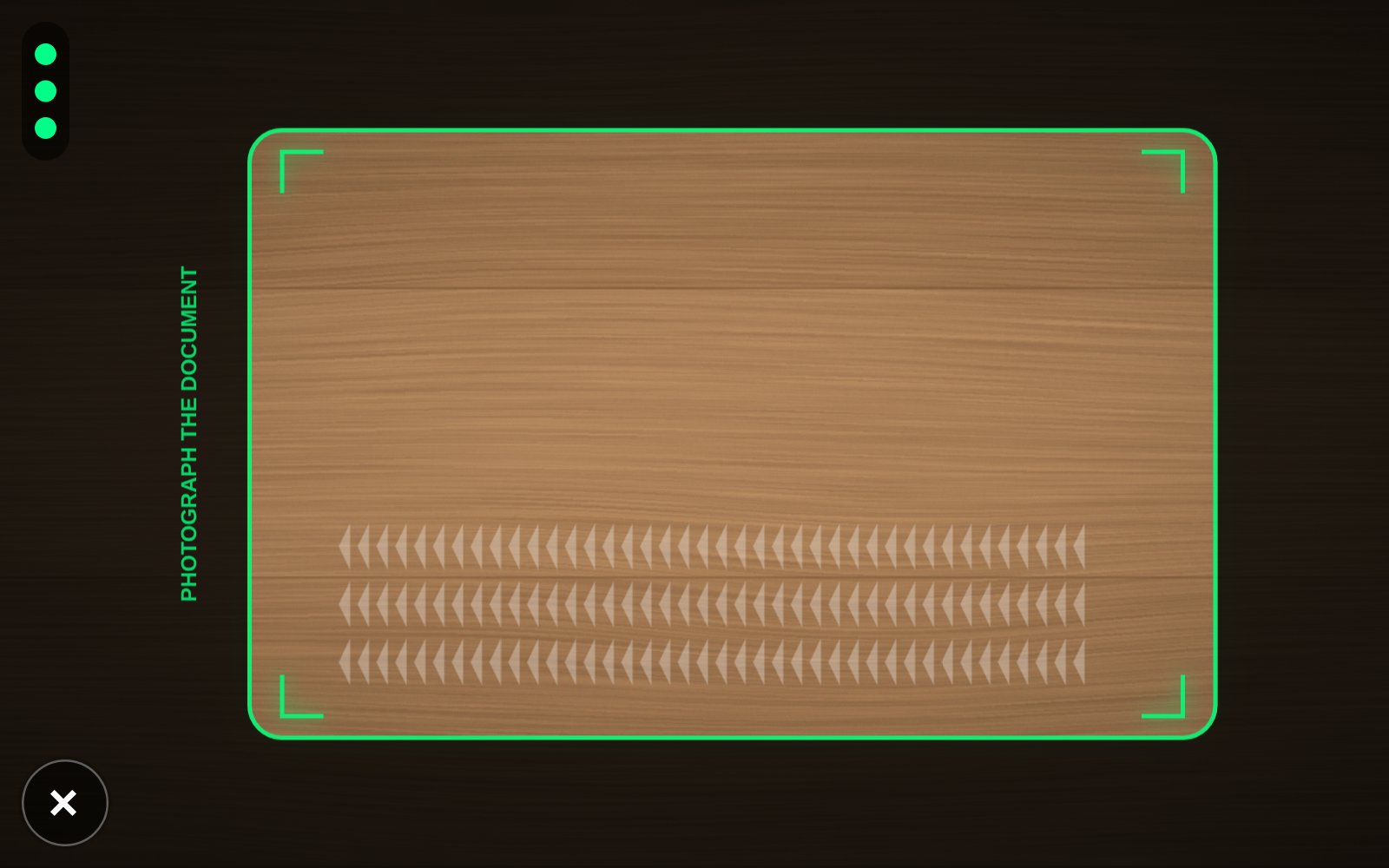
The scanner is rendered in an isolated layer on top of your page: your styles don't affect it, and it doesn't affect your page. Only one scanner can be open at a time — calling Misfora.scan again closes the previous one.
Language
Supported languages: English ("en"), Turkish ("tr"), Ukrainian ("uk"), Spanish ("es") and Arabic ("ar"). Arabic is displayed right-to-left.
If you pass locale, the scanner uses it. If you don't, it follows the user's browser language and falls back to English. To always show English, pass locale: "en".
The result
onComplete(result) follows the same field structure as POST /v1/scan, with two SDK-specific properties: image and captureMethod.
{
  "success": true,
  "request_id": "…",
  "document": {
    "type": "passport",            // or "id_card"
    "first_name": "ANNA MARIA",
    "last_name": "ERIKSSON",
    "document_number": "L898902C3",
    "birth_date": "1974-08-12",
    "expiry_date": "2032-04-15",
    "document_expired": false,
    "nationality": "UTO",
    "issuing_country": "UTO",
    "gender": "F"
  },
  "validation": { "first_name": true, "last_name": true, "document_number": true, … },
  "review_recommended": false,     // true → ask a person to check the fields
  "warnings": [],                  // e.g. "DOCUMENT_EXPIRED"
  "meta": { "processing_time_ms": 900, "api_version": "1.0.0" },

  "image": Blob,                   // the document image
  "captureMethod": "camera"        // or "upload"
}
What result.image contains:
- Camera (
captureMethod: "camera"): the photo is cropped in the browser before it is sent — to the on-screen guide frame, then to the detected document corners, rotated upright if needed. Misfora recognizes exactly this image, andresult.imageis the same cropped JPEG: only the document, no background. - Upload (
captureMethod: "upload"): the file is sent as it is. Misfora finds the document, corrects the perspective and crops it on the server before recognition.result.imageis currently the original uploaded file — the server-side crop is not returned.
Note: result.image is a Blob, not a base64 string. Send it with FormData, show it with URL.createObjectURL(result.image), or convert it with FileReader if you need base64.
To keep a copy of the document image, upload it to your own backend:
const form = new FormData();
form.append("document", result.image, "document.jpg");
await fetch("/your-backend/documents", { method: "POST", body: form });
For the meaning of every field and validation flag, see POST /v1/scan in the API documentation.
Errors
onError(error) is called when the scan cannot continue; the scanner closes. error is { code, message, apiCode } — match on code, not on message.
| code | What happened | What to do |
|---|---|---|
session_expired | Covers expired sessions, exhausted attempts and invalid SDK tokens — the reason is not distinguished. | Create a new session and call Misfora.scan again. |
origin_not_allowed | This website address is not registered for your company. | Ask Misfora to add it. |
network_error | Misfora could not be reached after repeated attempts, or the current website is not registered for SDK access. | Check the connection and your registered sites. |
quota_exceeded | Your monthly quota is used up. | Contact Misfora. |
rate_limited | Too many requests per minute or day for your company. | Retry later. |
account_suspended | Your API access is suspended. | Contact Misfora. |
invalid_request | Unexpected request parameters. | Contact Misfora with the request_id. |
Recoverable problems — no document in the photo, a document type that isn't allowed for this session, an image that couldn't be read — don't call onError: the scanner tells the user and lets them try again, within max_attempts. If the camera isn't available, the scanner offers to upload a photo instead.
If an uploaded photo shows a document but no MRZ lines (the wrong side of an ID card, or the lines at the bottom of the passport page are cut off or covered), the scanner says so and shows where these lines are on a passport and on an ID card.
Attempts, limits and billing
- An attempt is counted when the SDK submits an image for processing, even if OCR later fails.
- After
max_attemptsimages or afterexpires_inseconds, the token stops working (session_expired). - SDK scans use your company's normal rate limits and monthly quota and are billed like OCR API requests.
Security and privacy
- Your API key stays on your server; the browser only receives a short-lived SDK token.
- A token works only from the website addresses registered for your company, only for the allowed document types, and only for a limited time and number of attempts.
- Document images and extracted identity fields are not stored by Misfora. Limited usage metadata (document type, nationality, processing time, whether review was recommended) is kept — see Security in the API documentation.
The result is delivered to your application through the browser callback. If your application requires server-side verification, process the captured image on your backend with the OCR API (send result.image to POST /v1/scan with your API key) rather than trusting browser-side result data alone.
Integration checklist
- HTTPS only — otherwise the browser won't open the camera. The camera permission prompt shows your site's address, not Misfora's.
- Content Security Policy. If your site sends a CSP header, allow Misfora:
script-src https://misfora.com; connect-src https://misfora.com. Nostyle-srcexception is needed — the scanner applies its styles through constructable stylesheets. Older browsers without them (for example Safari before 16.4) fall back to an inline style element, which requiresstyle-src 'unsafe-inline'. - Iframes. If the page that calls
Misfora.scanruns inside an iframe, the iframe needsallow="camera". - Browsers. The scanner needs a modern browser with camera access. The same capture engine runs in production in Misfora's guest check-in on Android (Chrome) and iPhone (Safari).
- Desktop computers. Webcams are often too weak to read a document; the "upload a photo" option covers this case.
- Test first on your staging site: register its address, create a session and scan a real document on a phone.
Demo
The demo page lets you test the SDK with an SDK token: paste the token, scan a document and see the result and the image. The domain used for testing must be registered for your company.
Want to see the capture experience without a token? The free document scanner uses the same capture engine.
Versions
The script URL contains the major version (/sdk/v1/). Backward-compatible improvements ship under the same URL; a breaking change would ship as /sdk/v2/. Misfora.version returns the loaded version.
| Version | Changes |
|---|---|
1.0.0 | First release: passports and ID cards, camera and upload, English, Turkish, Ukrainian, Spanish and Arabic interface, result.image. |